
Automated blinds: what they cost and what to automate
Automated blinds are ordinary blinds or curtains with a quiet motor, run from a keypad, an app or a schedule, on their own or as part of a smart home. Here is what can be motorised, what moves the price, and which windows are actually worth it.
By Stephen, Director · 16 November 2026
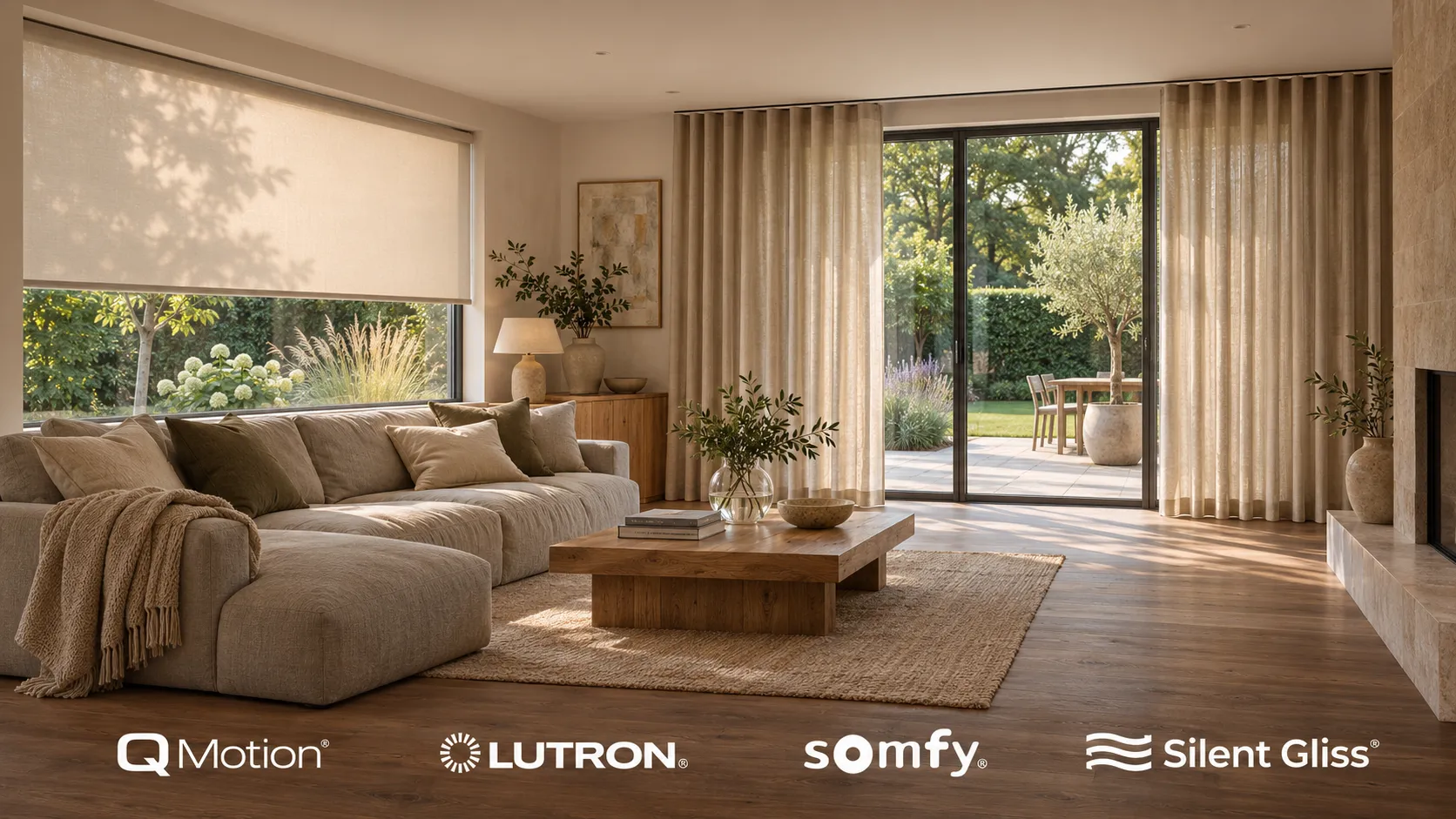
Automated blinds are blinds or curtains with a small motor doing the lifting, controlled from a wall keypad, an app, a remote or a schedule. They can run on their own, or join a Control4, KNX or Lutron system so they move with the lights, the heating and the cinema. The honest answer to “are they worth it” is that for some windows they clearly are, and for others they are not. This guide covers which is which, what moves the price, and the one decision you need to make early.
What can be motorised
Almost every common window covering now comes in a motorised version:
-
Roller blinds. The everyday automated blind and the easiest to retrofit. The motor sits inside the tube, so nothing shows.
-
Roman blinds. The fabric folds as it lifts, so the motor works a little harder, but they automate well and suit living rooms and bedrooms.
-
Venetian blinds. A motor can tilt the slats as well as raise them, which controls glare without losing the view.
-
Curtain tracks. For rooms where curtains are right and blinds are not. The track carries the weight, so heavy curtains draw smoothly on a scene or a schedule.
-
Skylights and roof lights. Often the best case for automation of all, because nobody was ever going to climb up and pull a cord.
Blackout is a version of most of these rather than a separate product. In a cinema room or a bedroom where real darkness matters, we fit blackout fabric with side channels, so light does not leak round the edges.
Wired or battery: decided at first fix
This is the decision that matters most, and the one people tend to find out about too late.
A wired motor takes mains power from a cable run to the head of the window. There is nothing to charge, ever, and it is the natural choice during a build or a renovation. The catch is timing. The cable has to go in at first fix, before plastering. Once the walls are finished, adding it means chasing and redecorating.
A battery motor needs no cable at all. In a finished home that is the whole point: no chasing, no rewiring, no making good. The batteries do need recharging or replacing from time to time, which is a small job on a window you can reach and a nuisance on one you cannot.
So the advice is simple. If you are renovating, run a cable to every window you might ever automate, even if you only motorise two of them now. Cable is cheap at first fix and expensive afterwards. If the walls are already done, battery motors are a perfectly good solution.
What automated blinds cost
We do not publish a per-window price, and that is deliberate. Blinds are made to the window, and a single figure would be wrong for almost every room it was quoted against. What we can tell you is what moves the number.
What changes | Why it moves the price |
|---|---|
Number and size of windows | A tall or wide window needs a bigger motor and tube, and very large glazing can need two blinds |
Blind type and fabric | A plain roller and a blackout blind with side channels are different products, and cassettes or colour matching add more |
Wired or battery | Wired needs a cable run before plastering, battery avoids building work in a finished home |
Standalone or integrated | A blind on a remote is a simpler job than one that joins whole-home scenes on Control4 or KNX |
For the whole-house picture, blinds usually arrive as part of a wider system. For blinds on their own, we survey the property and give an itemised quote per window before anything is ordered, so you can see exactly where the money goes and drop the windows that do not earn it. Taking into account all the caveats above, you should expect to pay from £400 to £1000+ per automated blind (subject to size, brand, material, finish etc)
Our smart home installation cost guide puts whole smart home systems covering lighting, heating, blinds, audio and security at £10,000 to £50,000+ depending on scope.
Which windows are worth automating
Not every window needs a motor. The ones that clearly benefit:
-
Windows you cannot reach. Tall glazing, gables, stairwells and roof lights. Here automation is not a convenience, it is the only way the blind will ever be used.
-
Rooms the sun ruins. A south or west facing living room where the afternoon sun washes out the television. A blind that drops part way on a schedule fixes it without anyone thinking about it.
-
Cinema and media rooms. One press should close the blackout, dim the lights and start the film. Our home cinema page covers how shading fits into a cinema room.
-
Bedrooms. Proper darkness at night, and a blind that rises at the time you wake.
-
Long runs of glazing. Bifold and sliding doors with three or four blinds across them, where raising each one by hand is a chore.
And the ones that usually do not: a small utility room window, a bathroom blind that rarely moves, or a spare room that is shut most of the year. Spend on the windows you use every day and leave the rest manual. You can add more later, which is one good reason to choose blinds that can join a system even if you start standalone.
Tying blinds into scenes
On their own, motorised blinds take an instruction and move. On a Control4, KNX or Lutron system they report their exact position and work alongside everything else, which opens up a few things worth having:
-
A morning scene that raises the bedroom blinds at a set time.
-
Sun tracking that lowers south facing blinds part way as the sun comes round, then lifts them again.
-
A movie scene that closes the blackout, dims the lights and starts the cinema from one button.
-
A good night scene that closes every blind in the house as the downstairs lights go off.
-
An away schedule that moves the blinds while you are on holiday, so the house does not look empty.
The best control is often none at all. Once the schedules are set the blinds simply behave, and the keypad is there for the exceptions. Our automated blinds page shows how this looks across a day, and the smart home hub covers the systems that run it.
Quiet motors for bedrooms and cinemas
Every motorised blind makes some sound. The difference between a good motor and an average one is easy to hear in a room and impossible to read off a specification sheet. In a living room it hardly matters. In a bedroom at six in the morning, or a cinema where the blinds close as the film starts, it matters a great deal.
If noise concerns you, listen before you choose. Our Middlesbrough showroom has automated blinds running in working rooms, so you can hear the difference for yourself.
What happens when a motor fails
Motors are reliable, but nothing lasts for ever, so it is a fair question. In a roller blind the motor sits inside the tube and can usually be replaced without changing the fabric or the brackets, and on a wired system the cable stays where it is. A good installation leaves the head of each blind accessible for exactly this reason, rather than boxing it in behind plaster.
Two practical points. Keep a note of the motor make and model, which turns a replacement into a quick swap rather than an investigation. And a power cut stops a mains-wired blind wherever it is until the power returns, whereas a battery blind keeps working. In most rooms that rarely matters, but it is worth knowing.
No cords at the window
Motorised blinds have no cords or chains hanging at the window. UK rules on internal blinds have required child safety features on looped cords for some years, and a motorised blind can remove the question entirely. For a nursery or a child’s bedroom that can be the most important criteria.
If you are planning a renovation, talk to us before first fix and we will help you decide which windows are worth cabling. If your home is already finished, we can survey the windows that annoy you and quote each one separately. You are also welcome to visit our Middlesbrough showroom to see and hear automated blinds working, or call us on 01642 903907.
Quick answers.
- Can automated blinds work with a smart home system?
- Yes. Motorised blinds can join a Control4, KNX or Lutron system, where they report their position and take part in whole-home scenes with the lighting, heating and cinema. A standalone blind fitted today can often be brought into a system later, which is why it is worth choosing one that allows it.
- Can motorised blinds be fitted without rewiring?
- Yes. Battery-powered motors need no cable, so they suit a finished home with no chasing or redecorating. Wired motors are the better choice during a build or renovation, as long as the cable goes in at first fix before the walls are plastered.
- Can I control automated blinds by voice?
- Usually, yes. Voice control is normally added through the smart home system or the blind motor's own hub. Most people find a wall keypad and a few schedules do most of the work, with voice and the app there for the odd exception.
- Do motorised blinds make a room properly dark for a home cinema?
- They can, if they are specified for it. A blackout fabric on its own still lets light round the edges, so for a cinema room or bedroom we fit blackout blinds with side channels. On a cinema system the blackout closes as part of the movie scene, with the lights dimming at the same time.
- Do I need a specialist to install automated blinds?
- For a single battery blind, not necessarily. Once wiring at first fix, blackout side channels or integration with a smart home system are involved, a specialist installer saves you problems later. We survey the property and give an itemised quote per window before anything is ordered.
Stephen
Director
Similar articles.
 Home cinema · 5 min read
How to build a home cinema room: a step-by-step guide [2026]
Turning planning into a cinema that actually works - nine decisions, in the order that keeps compromises out of the room.
Read article → Smart home · 6 min read
Smart home installation: what happens and in what order
A smart home installation is a network, a control platform and the devices in each room, designed first, cabled at first fix, fitted at second fix and then programmed around how you live. Here is what each stage involves, how it fits around a build or renovation, and what drives the cost.
Read article →- Smart home · 7 min read
How much does a Control4 system cost?
The controller is the cheap part. Real numbers for one room up to a whole house, and what moves them.
Read article → - Smart home · 6 min read
Smart home retrofit: when to rescue, and when to start fresh.
Most flaky systems can be saved. How to tell whether yours needs rescuing or replacing.
Read article → - Smart home · 7 min read
Control4 vs Loxone vs Crestron.
What each platform is genuinely good at, what it costs, and which suits which home. No marketing.
Read article → - Smart home · 6 min read
Smart home installation cost: what you're really paying for.
The honest bands for lighting, heating, a starter system and whole-home, and where the money actually goes.
Read article →
Talk it through with a designer.
Price a room with the calculator, read more about smart home, or come and hear the difference in the showroom.