
Smart home installation: what happens and in what order
A smart home installation is a network, a control platform and the devices in each room, designed first, cabled at first fix, fitted at second fix and then programmed around how you live. Here is what each stage involves, how it fits around a build or renovation, and what drives the cost.
16 November 2026
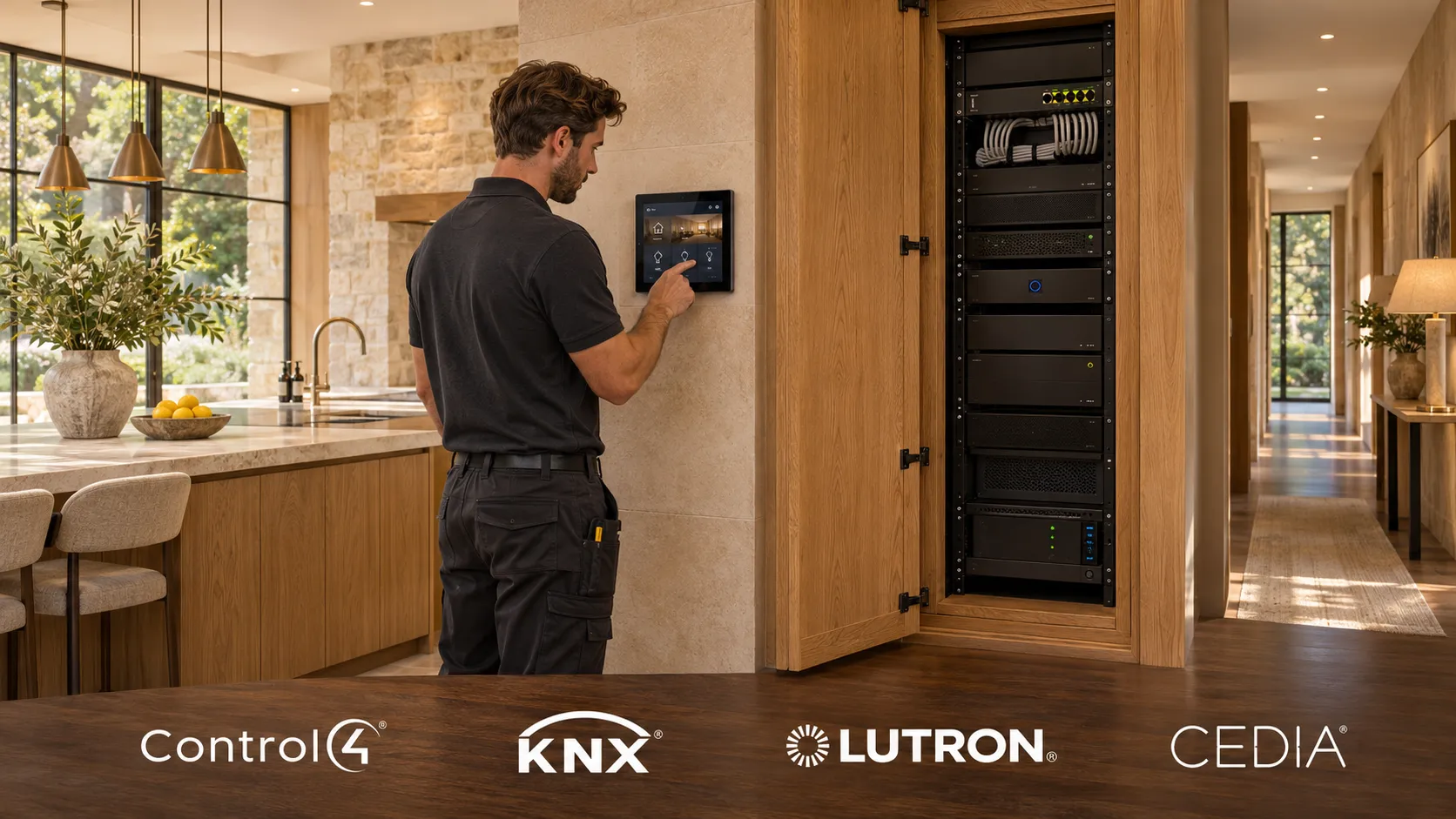
A smart home installation is the design, cabling, fitting and programming of one system that runs your lighting, heating, blinds, audio and security from a single interface. Done properly it happens in a fixed order: design, then network and cabling at first fix, then devices at second fix, then programming, handover and support. The order matters more than the brand of kit, and it is the reason some smart homes stay calm for years while others need rebooting every week.
This guide walks through what an installer actually does at each stage, so you know what to ask for before you ask for a quote.
What a smart home installation covers
Most installations draw from the same six areas. Few homes need all of them on day one.
-
Network. A wired backbone, a proper router and firewall, and Wi-Fi access points placed for the building rather than wherever the phone line comes in. Read more on our networking page.
-
Lighting. Keypads in place of switch banks, dimming, and scenes that set a room in one press.
-
Heating. Multi-zone control, so each room heats to its own schedule, working with your boiler or underfloor system.
-
Blinds and shading. Motorised blinds and curtains that follow the sun, the time or a scene.
-
Audio. Ceiling or wall speakers in the rooms you choose, playing from one source.
-
Security and access. CCTV, door entry and access control, viewed from the same app as everything else.
What ties these together is the control platform, Control4, KNX, Lutron or similar, chosen to fit the house and the brief. Our smart home page explains how we choose between them.
The order it happens in
1. Consultation and design
Before anyone lifts a floorboard, we work out what should happen in each room and why. That becomes a written system design: the platform, the controls, the network, and the route to expand later. This is the stage that stops you owning an expensive collection of gadgets. It is also where you decide what you do not need yet.
2. Network and cabling at first fix
On a new build or a major renovation, this is the stage you cannot go back to cheaply. While walls and ceilings are open, we run data cable to access points, keypads, screens, cameras and speakers, and back to a central rack or cabinet. We fit back boxes and leave cable where future devices might go, even if nothing is fitted there for years. Cable is inexpensive. Opening a finished wall is not.
Your electrician runs mains circuits as normal. We coordinate with them on which circuits the lighting control system needs to switch or dim, so both trades are working to the same drawing.
3. Devices at second fix
Once plastering and decorating are done, the visible parts go in: keypads, thermostats, speakers, access points, cameras, touchscreens and the control processor in the rack. Lighting control modules usually live in a cabinet rather than behind each switch, which keeps walls tidy and makes later changes easier.
4. Programming
This is where a set of devices becomes a system. We programme scenes, schedules and the links between systems: the evening scene that dims the lights, lowers the blinds and sets the heating, or the away mode that turns everything off and arms the cameras. It is the least visible line on a quote and the one that decides whether you enjoy the system or put up with it.
5. Handover, training and support
A good installer does not hand you an app and leave. You should get a walk through each room, documentation of what was installed and where, and a clear way to reach someone who knows your system. We also expect to revisit the programming once you have lived with it for a few weeks, because routines on paper rarely match routines in practice.
How it fits around a build or renovation
The best time for a smart home installation is while a property is being built or renovated, because first fix cabling is straightforward when the structure is exposed. If you are working with a builder or architect, bring the smart home designer in before first fix is booked, not after.
Existing homes are not ruled out. Wireless lighting and heating controls, careful cable routes through lofts and floor voids, and well placed Wi-Fi access points let us install into a finished house with little disruption. The trade-off is that some choices are narrower, and a wired backbone for the network is still worth fighting for.
Wired or wireless
Wired control is the more robust choice where you can run cable: it does not depend on radio range, batteries or interference. Wireless devices are the practical answer where cable would mean lifting floors or chasing plaster in a finished room. Most real installations are a mix, and the network underneath should be wired wherever possible. If you want the detail, our guide on how to build a smart home covers why the network comes first.
How long it takes
There is no single answer. A lighting or heating installation in a few rooms of a finished house is a far shorter job than a whole-home system in a new build, where our work runs alongside the build programme from first fix to handover. We give you a timescale with your design, based on your house and your builder’s schedule, rather than a figure that suits a brochure.
What drives the cost
Four things decide the price: the devices in each room, the network underneath, the design, and the programming. The number of rooms and systems moves it most, followed by whether the home is a new build or finished, and how much of the cabling can be done at first fix.
Our published bands, which include design, programming and installation but not building or electrical work where a property needs rewiring:
System | Typical range |
|---|---|
Smart lighting (standalone) | £3,000 to £15,000 |
Smart heating (standalone) | £2,000 to £8,000 |
Smart Home Starter (key rooms) | £3,000 to £10,000+ |
Smart Home Premium (whole home) | £10,000 to £50,000+ |
Our smart home installation cost guide explains where the money goes in more depth. A cheap quote usually saves on the design and programming, because you cannot see them. They are the parts worth paying for.
What you do not need
You do not need every room automated on day one. A well designed system starts with the rooms you use most, often lighting in the kitchen and living spaces plus heating zones, on a network and platform that are ready for more. Nothing installed early is wasted when you add to it.
You also do not need a different app for every device. If a proposal leaves you with separate apps for lights, heating, cameras and music, it is a collection of products, not a smart home.
What we have learned from fixing other people’s systems
Most of the faults we are called out to on smart homes trace back to the network. Automations that fire late, scenes that half work and apps that will not connect are usually a consumer router struggling with more devices than it was designed for. That is why our house rule is network first, and why we design, install and support every system with our own team rather than handing parts of it to subcontractors.
If you are planning a build, a renovation or simply want your current setup to behave, talk to us on 01642 903907 or visit our Middlesbrough showroom, where working lighting, heating, audio and control systems are set up for you to try.
Quick answers.
- What does a smart home installer actually do?
- A smart home installer designs the system, runs the network and control cabling, fits the devices and programmes them to work together on one platform. The design and programming are the parts that separate a working system from a pile of gadgets. A good installer also trains you on it and supports it afterwards.
- When should a smart home be installed during a build or renovation?
- Bring the smart home designer in before first fix, while walls and ceilings are still open. That is when data and control cabling can be run cheaply and neatly. Devices then go in at second fix, after plastering and decorating, and programming follows.
- Can you install a smart home in an existing house?
- Yes. Wireless lighting and heating controls, careful cable routes through lofts and floor voids, and well placed Wi-Fi access points make it possible with little disruption. Some options are narrower than in a new build, but a reliable system is still achievable.
- How much does smart home installation cost in the UK?
- Our typical bands are £3,000 to £15,000 for standalone smart lighting, £2,000 to £8,000 for standalone smart heating, £3,000 to £10,000+ for a Smart Home Starter system in key rooms, and £10,000 to £50,000+ for whole-home Smart Home Premium. They include design, programming and installation, but not building or rewiring work.
- Do I need to automate the whole house at once?
- No, and most people do not. Start with the rooms and systems you use most on a network and platform designed to grow. As long as the groundwork is right, nothing you install first is wasted when you add to it.
Similar articles.
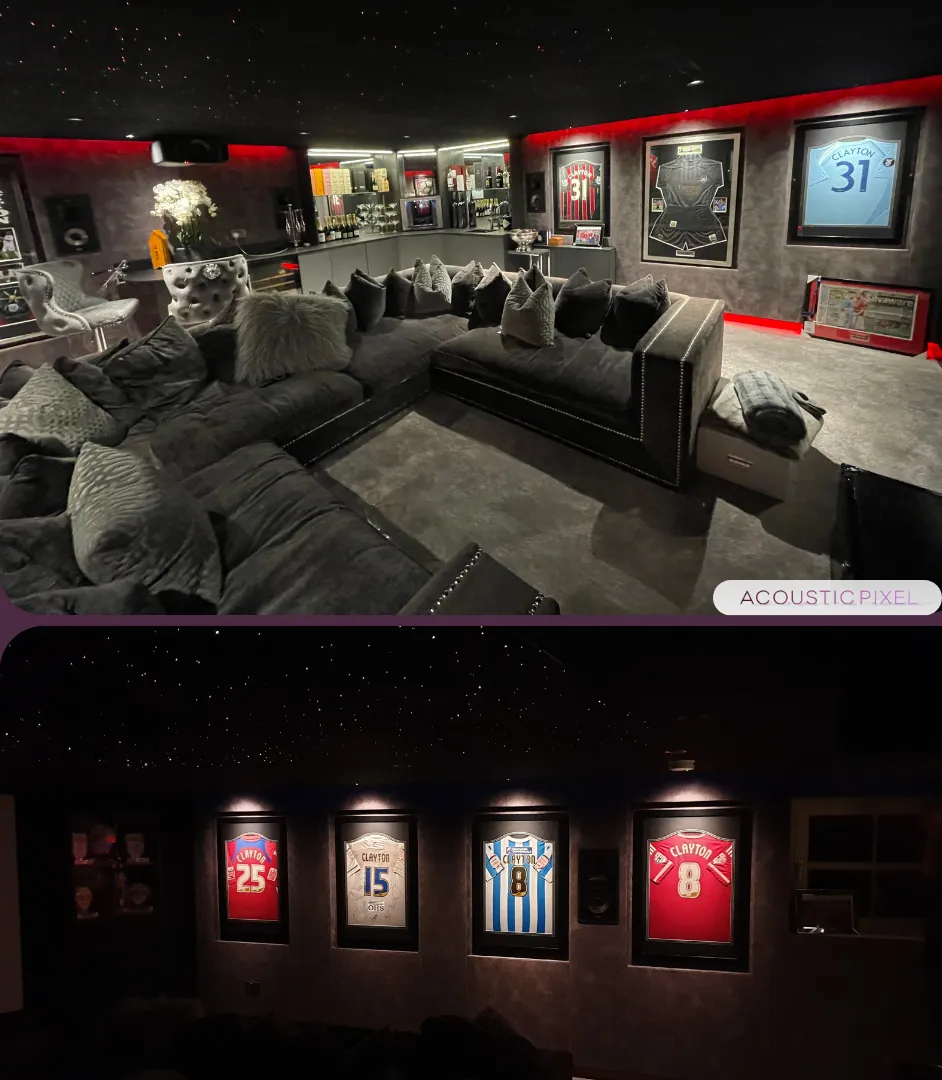 Home cinema · 5 min read
How to build a home cinema room: a step-by-step guide [2026]
Turning planning into a cinema that actually works - nine decisions, in the order that keeps compromises out of the room.
Read article →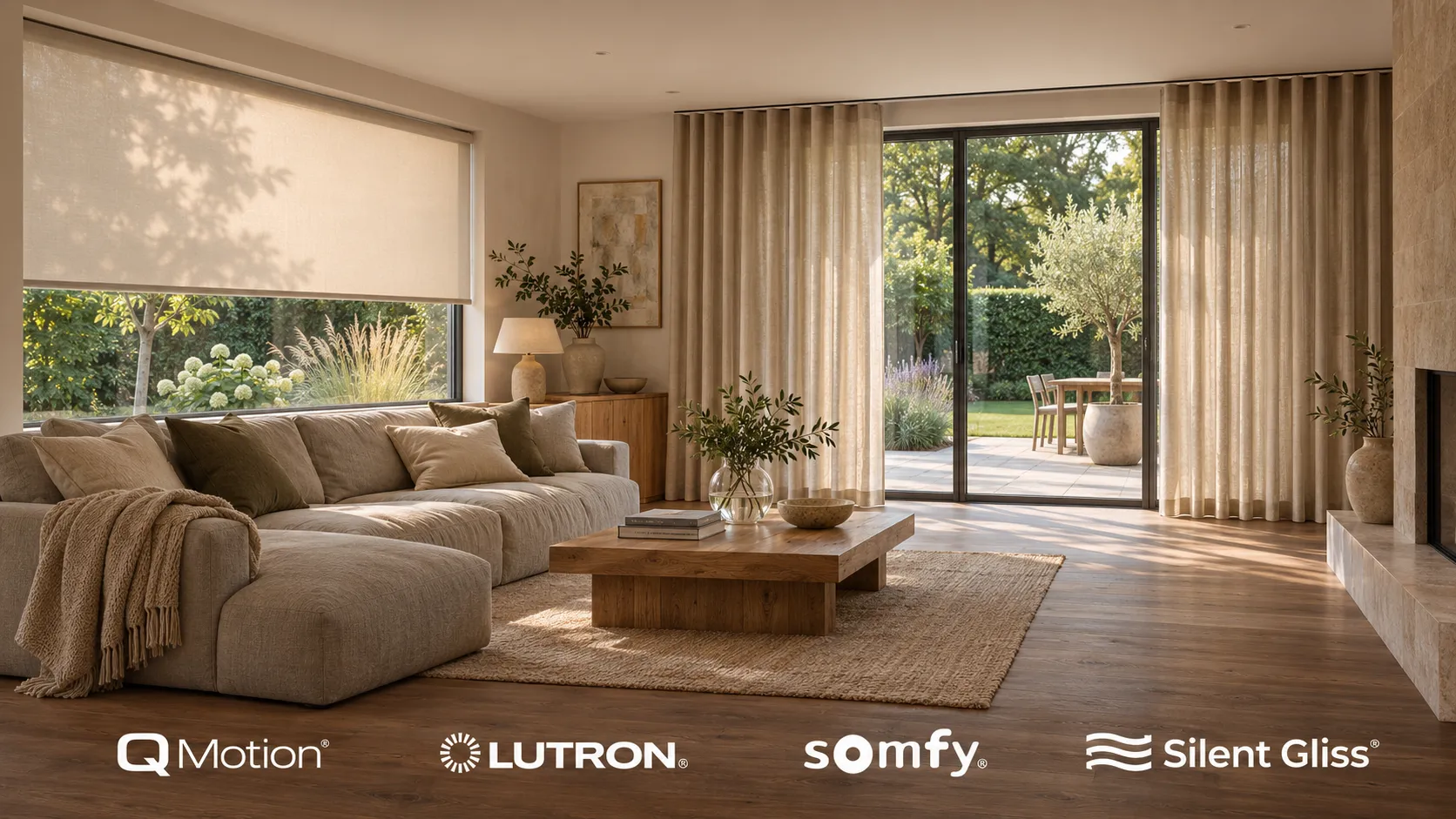 Smart home · 6 min read
Automated blinds: what they cost and what to automate
Automated blinds are ordinary blinds or curtains with a quiet motor, run from a keypad, an app or a schedule, on their own or as part of a smart home. Here is what can be motorised, what moves the price, and which windows are actually worth it.
Read article →- Smart home · 7 min read
How much does a Control4 system cost?
The controller is the cheap part. Real numbers for one room up to a whole house, and what moves them.
Read article → - Smart home · 6 min read
Smart home retrofit: when to rescue, and when to start fresh.
Most flaky systems can be saved. How to tell whether yours needs rescuing or replacing.
Read article → - Smart home · 7 min read
Control4 vs Loxone vs Crestron.
What each platform is genuinely good at, what it costs, and which suits which home. No marketing.
Read article → - Smart home · 6 min read
Smart home installation cost: what you're really paying for.
The honest bands for lighting, heating, a starter system and whole-home, and where the money actually goes.
Read article →
Talk it through with a designer.
Price a room with the calculator, read more about smart home, or come and hear the difference in the showroom.