
Home audio installation: what it involves and what it costs
A home audio installation puts speakers into your ceilings, walls or garden, runs them from one system and one app, and plans the cabling so nothing shows. Here is what the job involves, when to do it and what drives the cost.
By Stephen, Director · 16 November 2026
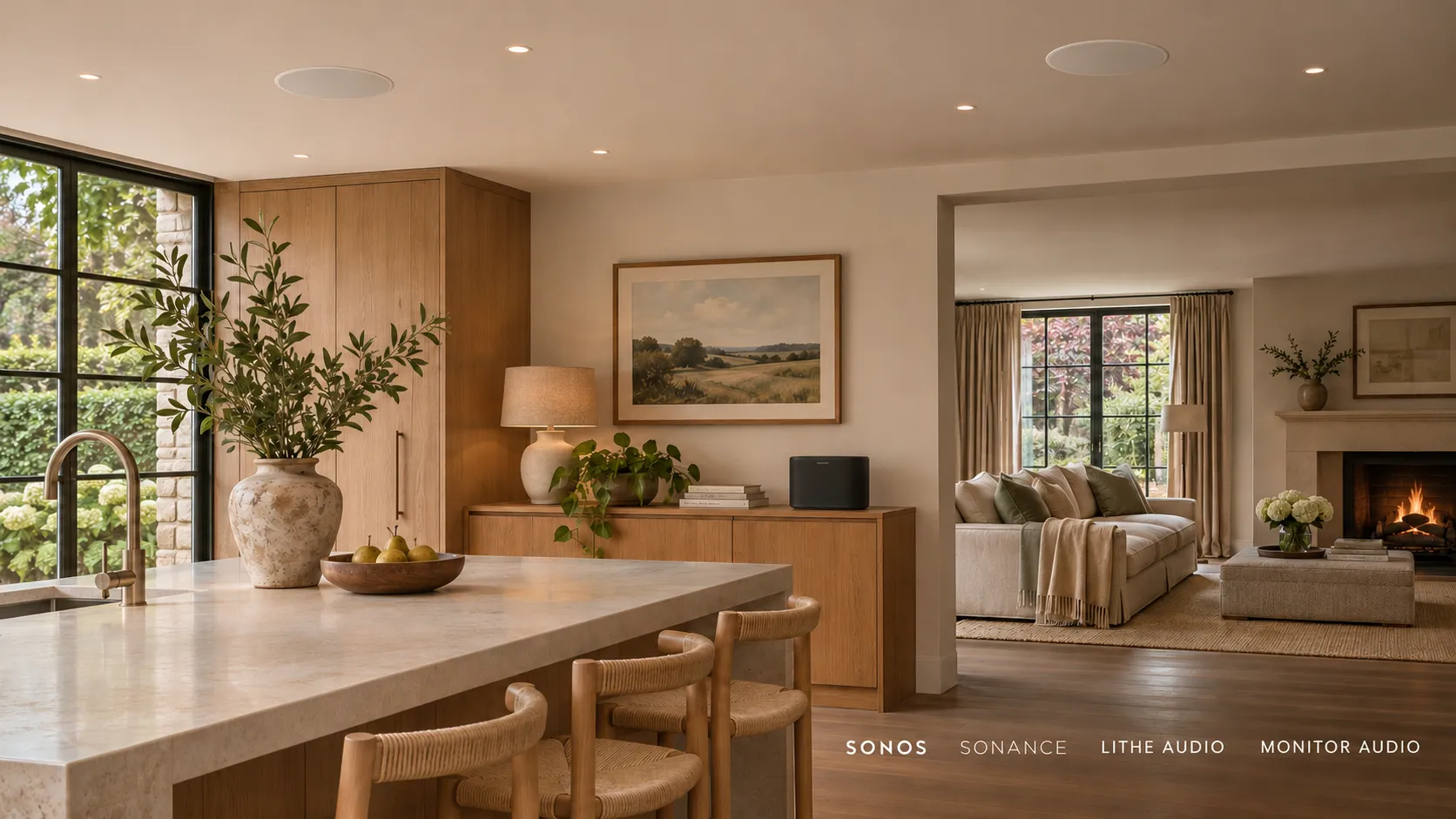
A home audio installation puts speakers into your ceilings, walls or garden, connects them to amplification and a music source, and gives you one app or keypad to run it all, with the cabling planned so nothing shows. It can be a single kitchen zone or every room in the house. What it costs depends far more on how many zones you want and whether the walls are open than on any one brand, so this guide walks through what an installer actually does, the wired or wireless decision, when the cables need to go in, and the cases where you honestly do not need us.
What a home audio installation covers
Every system, small or large, is built from the same five parts.
-
Speakers. In-ceiling and in-wall models with flush, paintable grilles are the usual choice, and Sonance is a name we fit often. Where nothing can show, Amina invisible speakers are plastered into the surface and painted over. Outside, weatherproof landscape or eaves speakers.
-
Amplification. A wired system runs from a multi-zone amplifier in a central rack, driving each room independently. Wireless systems build the amplifier into the speaker (Lithe Audio’s ceiling speakers or the range of Sonos wireless speakers).
-
Sources. Streaming services, internet radio, a turntable, the TV. A proper system lets any source play in any zone.
-
Control. An app on your phone, wall keypads, voice, or a smart home system such as Control4 so music sits alongside lighting and heating.
-
Cabling and network. Speaker cable from each room back to the rack, and a network solid enough to stream reliably. Wireless audio leans on your Wi-Fi, so we check that first. Or Bluetooth might be used in limited scenarios.
Around those parts sits the work you are really paying for: deciding where each speaker goes for even coverage, how many a room needs, setting levels and tuning once it is in, and handing it over working.
Wired or wireless
Both are good when done properly. The choice is mostly about the state of the house.
Wired | Wireless | |
|---|---|---|
Best for | New builds, extensions, renovations with walls open | Finished homes |
Amplification | Multi-zone amp in a central rack | Built into the speaker, or a small amp per zone |
Sound and scale | Highest quality, scales to many zones | Very good, grows a room at a time |
Depends on | Cable runs planned early | A strong Wi-Fi network |
Disruption | Low at first fix, high as a retrofit | Low |
Most homes end up as a mix: wired in the new extension and the main living spaces, wireless in rooms where running cable would mean lifting a finished floor. Our multi-room audio page goes into the brands we use for each route, and if you are choosing between platforms such as Sonos and Control4, our comparison of the two covers that in detail.
One room, multi-room or whole home
These terms get used loosely, so here is how we use them.
One room is a single zone: a kitchen with a pair of ceiling speakers, say. It plays one thing at a time in one place.
Multi-room means several zones run from one system. Someone can have a podcast on in the kitchen while an album plays in the living room, or the same track can follow you through the house in sync.
Whole home is multi-room taken to every space that wants it, usually including the garden, and often tied into a wider smart home so music starts with a lighting scene or a keypad press by the door. Outdoor speakers are their own discipline, with weatherproofing and neighbours to think about, and our outdoor audio page explains how we approach a garden.
When the cabling has to go in
If you are building, extending or renovating, the right time is first fix: after the studwork and before the plasterboard. That is when we mark every speaker position, run cable from each one back to where the rack will live, and fit fire hoods over speakers where a ceiling between floors has to keep its fire rating. Done then, a wired system adds very little disruption, and the cable itself costs little next to the cost of getting back into the void later.
Miss first fix and you are not stuck, but the options narrow. Ceiling speakers can still be cut into a finished ceiling, and cable can often be routed through a loft or under floorboards, but every awkward run adds time. This is where wireless speakers earn their place: Lithe Audio’s ceiling speakers require permanent power (can be taken from some lighting circuits) but no speaker cable back to an amplifier, and they are often installed within an hour.
Our advice if you are mid renovation: talk to us before the plasterer arrives, even if you plan to choose the speakers later. Cable in the ceiling costs little and keeps every option open.
What it costs
The honest answer is a range that only narrows once we know the house. On the wireless side, a pair of Lithe Audio ceiling speakers can give you a music zone from a few hundred pounds. A wired multi-room or whole-home system is quoted from the design, because the number varies with:
-
How many zones you want, and how many speakers each needs. A long open-plan kitchen and dining space can need four ceiling speakers where a bedroom needs two.
-
Wired or wireless, and whether the cable goes in at first fix or as a retrofit.
-
The speakers themselves. Invisible plastered-in speakers cost more to fit than flush in-ceiling models because they become part of the finished surface.
-
Amplification and the rack. A multi-zone amplifier and a tidy, ventilated rack are a fixed part of a wired system.
-
Control. A standalone app costs nothing extra. Keypads and integration into a smart home system add to it.
-
The network. If your Wi-Fi will not carry wireless audio reliably, that is fixed first.
For a figure for your own home, ask us for a quote. However for purely budgetary purposes, allow from £900 per zone (room) of wired multi room audio. We price from the plan rather than a per-room rate card, so two homes with the same number of rooms can come out quite differently.
When you do not need an installer
If you want music in one room and the room is finished, a good pair of wireless speakers you place yourself is a perfectly sound choice. You do not need an installer, a rack or a design visit for that, and we will tell you so.
An installer makes sense once the speakers go into the building: when they sit in the ceiling or wall, when several rooms need to work as one system, when cable has to be planned around building work, or when the garden is involved.
Why cheap in-ceiling speakers are a false economy
The cheapest in-ceiling speakers save a little on the kit and cost you every day after. Thin cones and flimsy frames sound boxy and can rattle at volume. Because they are cut into a finished ceiling, swapping them later means new holes or patching, so most people end up living with them. The saving is small next to the cost of the job around them, so this is one place where spending sensibly once is cheaper than spending twice.
Placement matters as much as the speaker. A good speaker in the wrong spot, crammed into a corner or centred over the wrong part of the room, still sounds poor. Our designers are THX trained, and we work out coverage room by room rather than fitting wherever the joists allow.
How long it takes, and handover
A wireless retrofit of a few rooms can often be finished in a day or two. A wired system happens in two visits: cabling at first fix, then speakers, rack and commissioning once decorating is done. Between those, the building programme sets the pace.
At handover we set levels and tune each zone, connect your streaming accounts, show you the app and keypads, and make sure everyone in the house can play something in the room they are in. We calibrate what we install, so it sounds right in your rooms, not just on paper.
If you are planning building work, or simply want to hear the difference between a wired and a wireless zone, come and listen at our showroom in Middlesbrough, or call us on 01642 903907 to talk it through.
Quick answers.
- What is a multi-room audio system?
- It is a system that plays music around your home from one app, built from sources (streaming, radio, a turntable, the TV) and zones (the rooms where it plays). Any source can go to any zone, so different rooms can play different things or the same track in sync. The speakers are either wired back to a central multi-zone amplifier or wireless, with the amplifier built in.
- How much does multi-room audio installation cost?
- A single wireless zone using a pair of Lithe Audio ceiling speakers can start from a few hundred pounds. A wired multi-room or whole-home system depends on the number of zones, the speakers chosen, whether cabling goes in at first fix and how it is controlled. We quote from a design for your home rather than a per-room rate.
- Can a home audio system include the garden?
- Yes. The garden simply becomes another zone, run from the same app as the house. Weatherproof landscape speakers in the borders or speakers under the eaves give even coverage, and we place them to keep the sound in your garden rather than next door.
- Can you install home audio in a house I already live in?
- Yes. Wireless ceiling speakers such as Lithe Audio go into a finished home with very little mess, often within an hour per speaker. Where a loft or floor void gives access, we can still run cable for a wired system without disturbing the rooms below.
- Do I need a rack or a separate amplifier?
- For a wired system, yes. A multi-zone amplifier in a central rack drives each room independently, and we plan the rack's position and ventilation with the cabling. Wireless systems build the amplifier into each speaker or use a small amp per zone, so there is no rack to find space for.
Stephen
Director
Similar articles.
- Multi-Room AV · 6 min read
Multi-room audio: Sonos or Control4?
Three sensible ways to get music into every room, and which one fits which kind of project.
Read article → 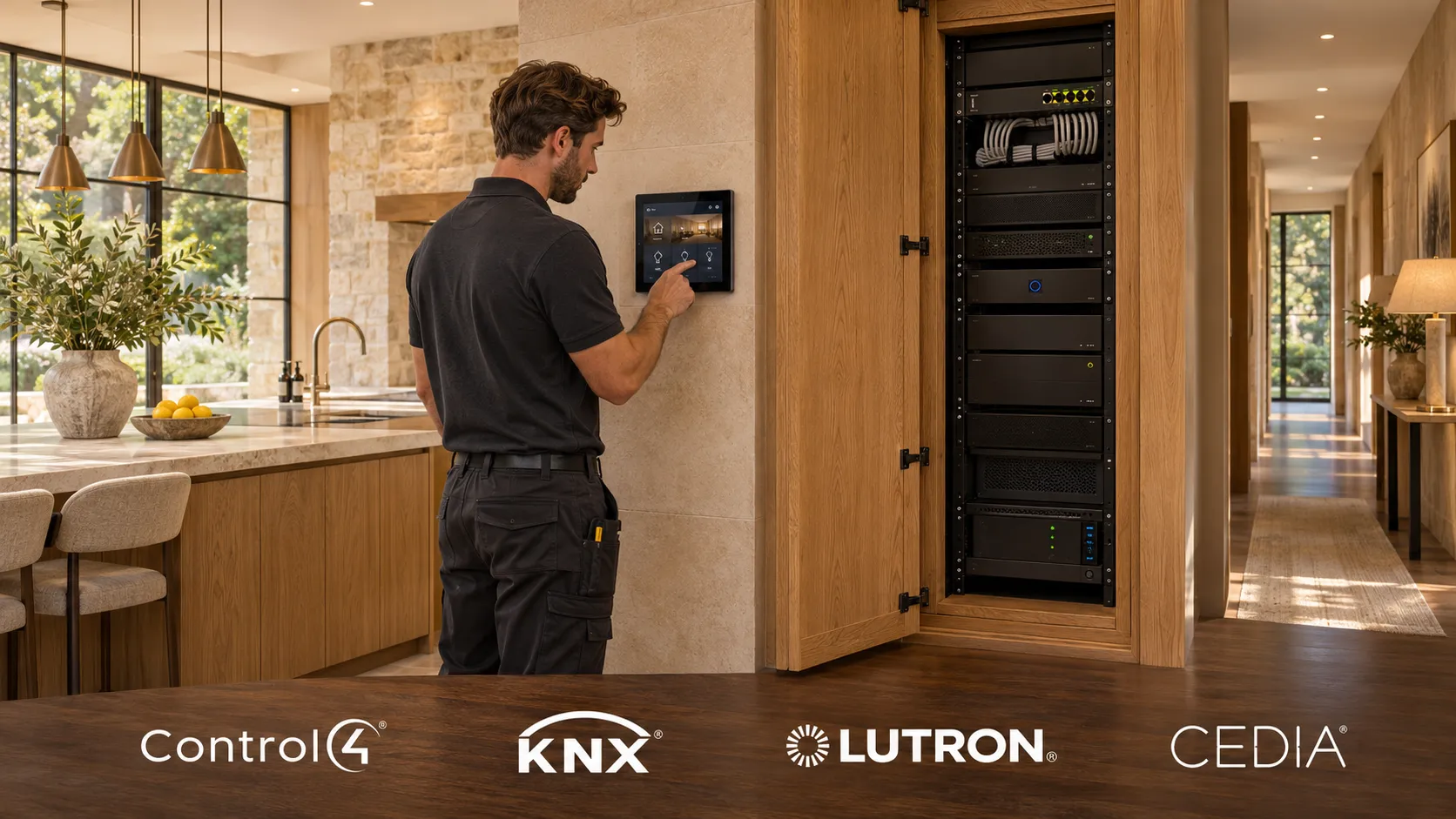 Smart home · 6 min read
Smart home installation: what happens and in what order
A smart home installation is a network, a control platform and the devices in each room, designed first, cabled at first fix, fitted at second fix and then programmed around how you live. Here is what each stage involves, how it fits around a build or renovation, and what drives the cost.
Read article →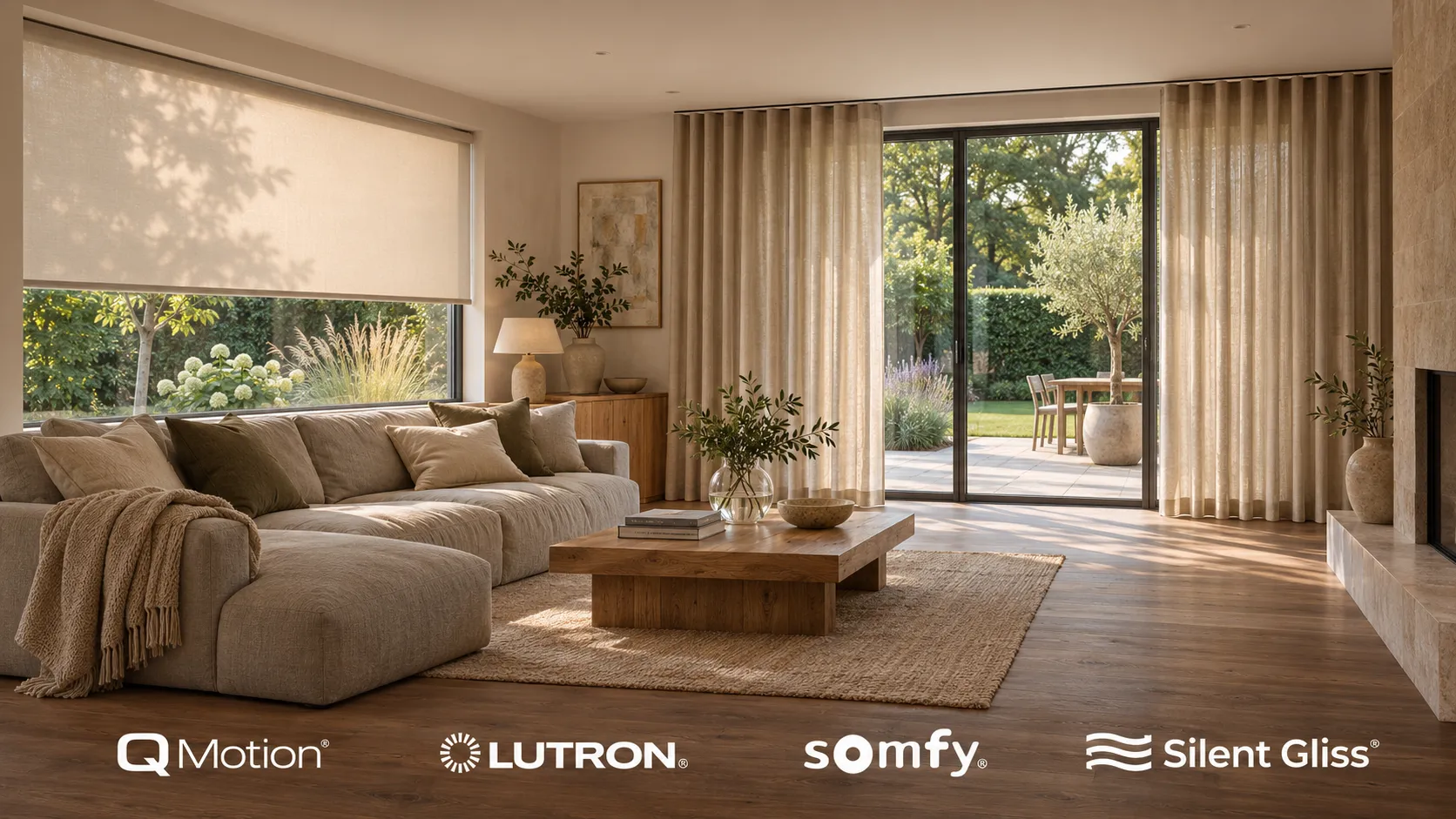 Smart home · 6 min read
Automated blinds: what they cost and what to automate
Automated blinds are ordinary blinds or curtains with a quiet motor, run from a keypad, an app or a schedule, on their own or as part of a smart home. Here is what can be motorised, what moves the price, and which windows are actually worth it.
Read article →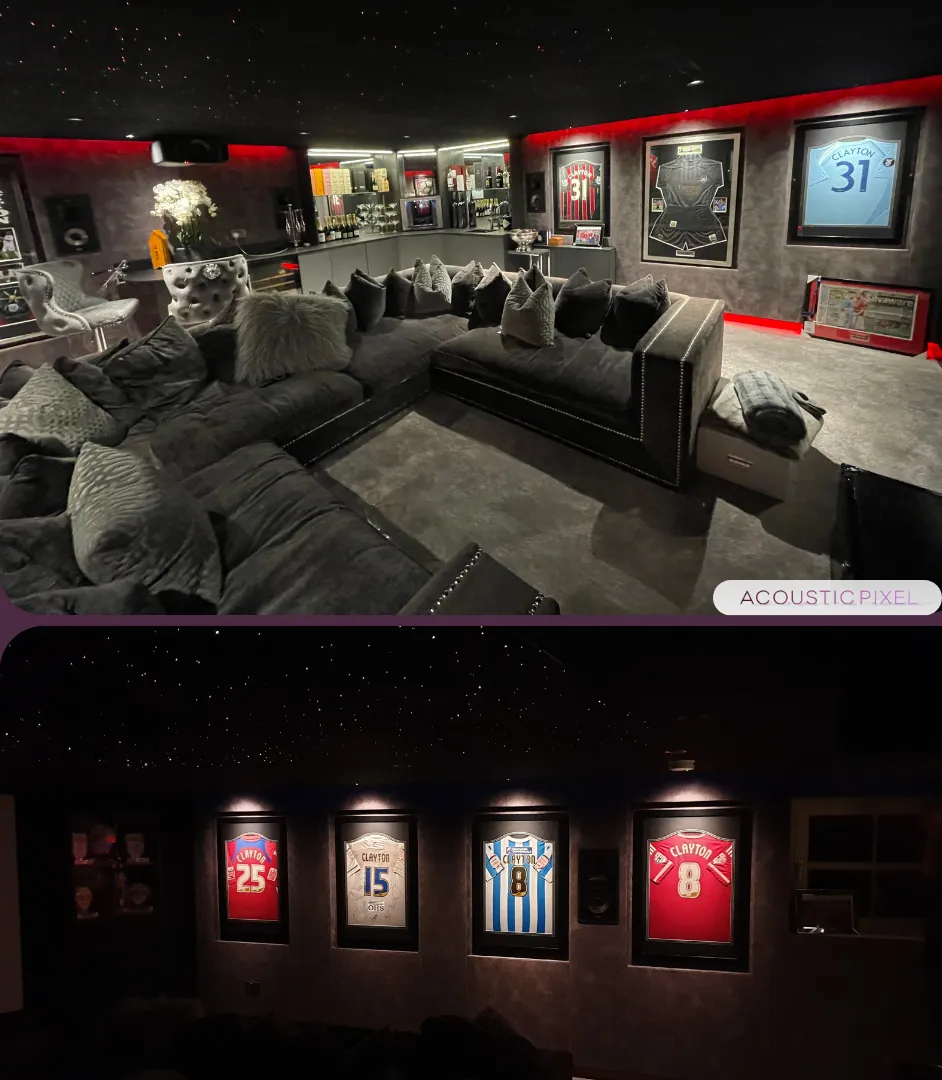 Home cinema · 5 min read
How to build a home cinema room: a step-by-step guide [2026]
Turning planning into a cinema that actually works - nine decisions, in the order that keeps compromises out of the room.
Read article →- Home cinema · 8 min read
Home cinema installation cost: an honest breakdown of UK pricing in 2026.
What each band actually buys, component by component, and where the money genuinely matters.
Read article → - Smart home · 7 min read
How much does a Control4 system cost?
The controller is the cheap part. Real numbers for one room up to a whole house, and what moves them.
Read article →
Talk it through with a designer.
Price a room with the calculator, read more about multi-room av, or come and hear the difference in the showroom.